Some thingsaren't for AI.
Your private space for notes, photos and documents.
Coming soon to the App StoreCurrently in private TestFlight beta.
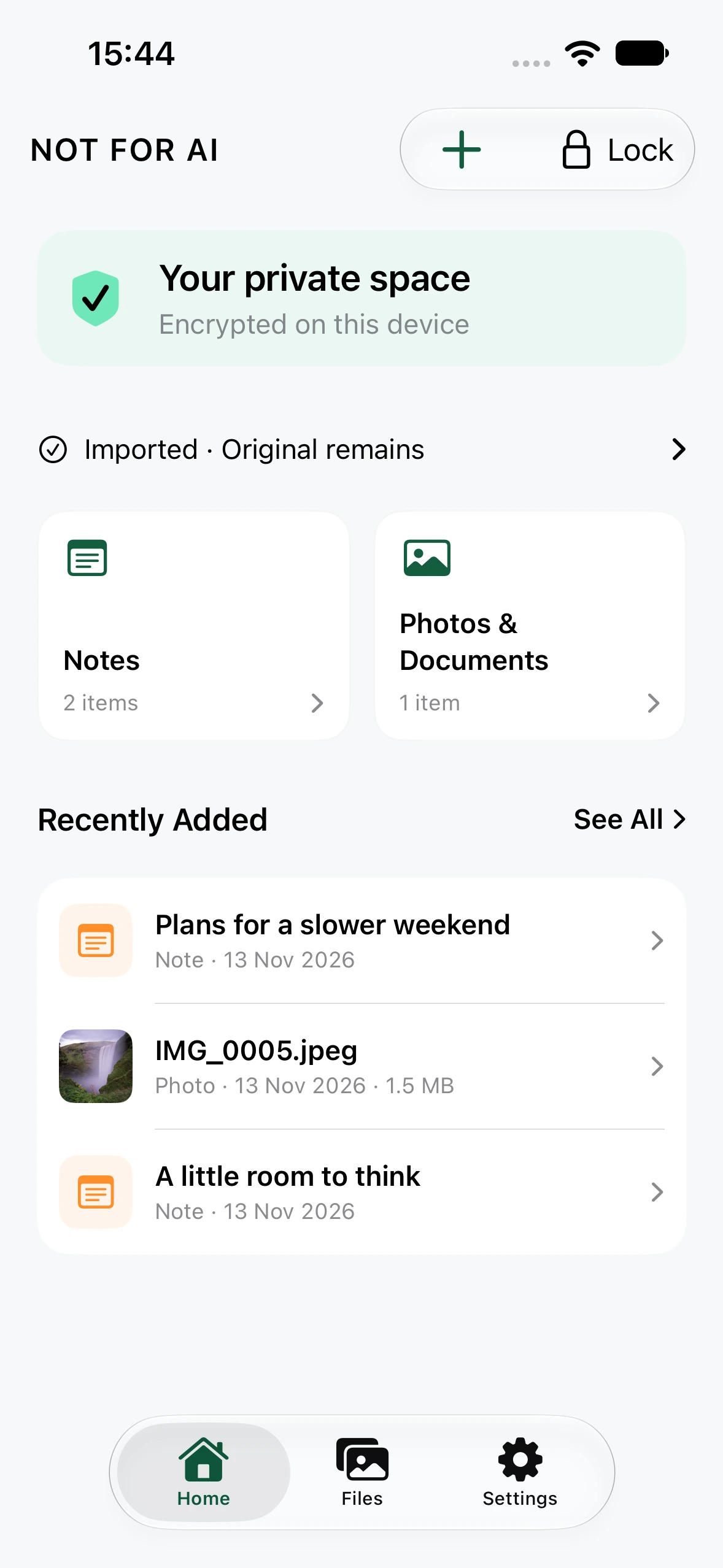
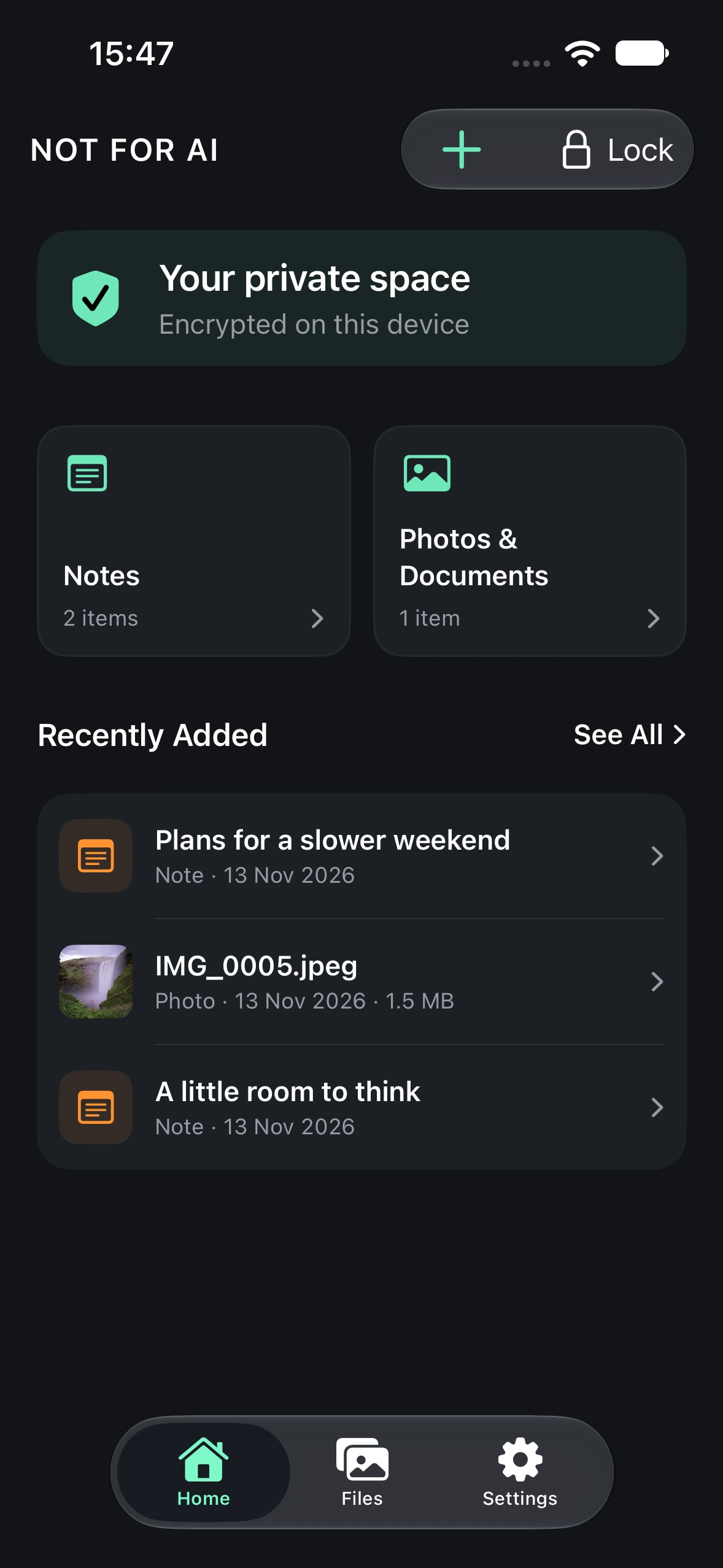
A little more privacy. In every light. Actual app screens with example content.
The world is opening up to AI.
You don't have to.
AI assistants are becoming part of everyday life. To help with more, they ask to see more: our files, our photos, our thoughts.
That can be useful. And some things are still just yours. The first draft. A personal photograph. A document you want to keep close.
NOT FOR AI gives those things a dedicated, encrypted space on your iPhone. A place you choose what to put into, and when to open.
Everything personal.
One private vault.
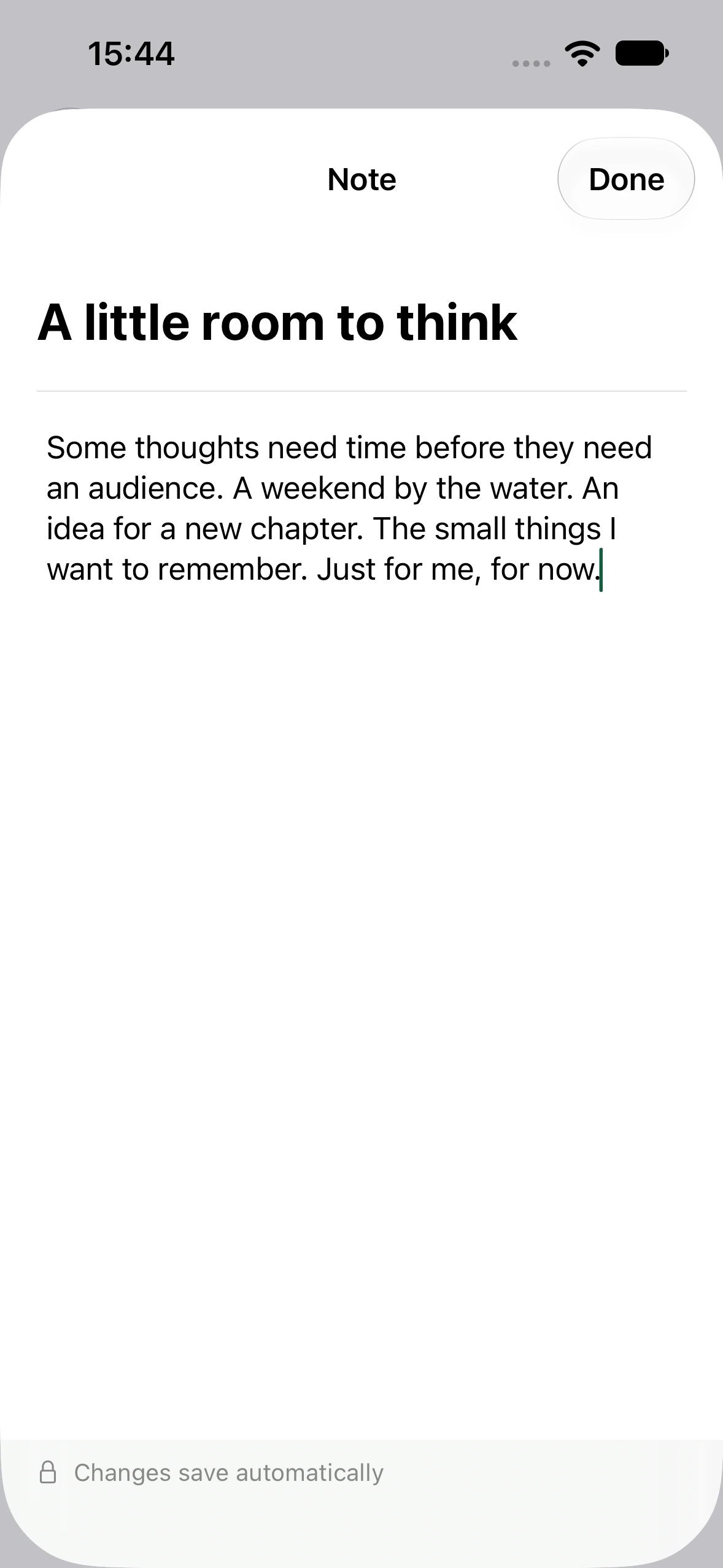
A thought worth keeping. A moment that matters. A document you need close by. Keep private notes, photographs and documents together, away from your everyday library.
Add only what you choose. Imported originals stay in their original locations until you manage them separately.
Your face.
Your key.
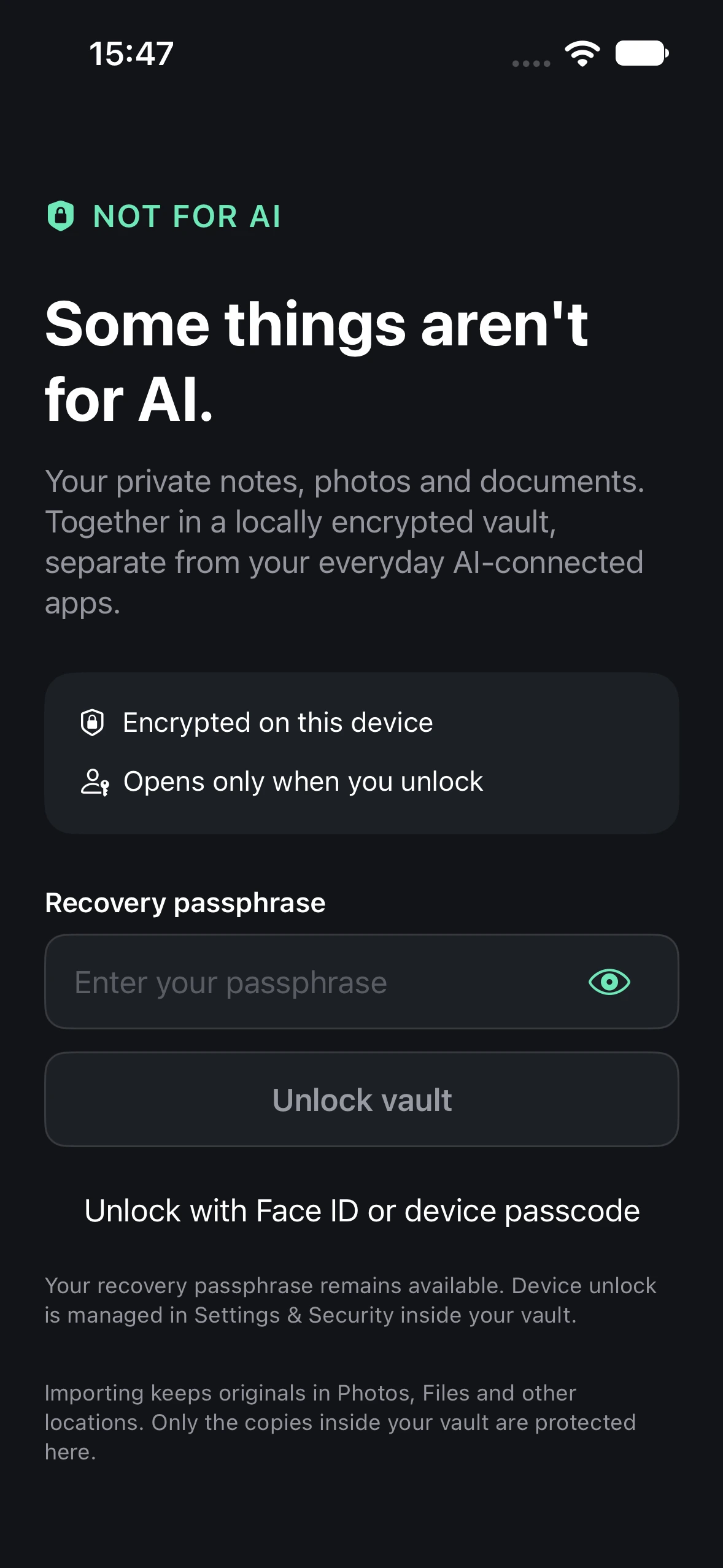
Open your private space with Face ID or your iPhone passcode. Familiar device authentication, for the things that feel most personal.
Device unlock is optional and must be enabled in the app. Your recovery passphrase remains available. NOT FOR AI does not receive your Face ID biometric data.
Private by design.
Your private vault lives on your device. No required cloud account. No need to hand over your personal library to get started.
Encrypted on your iPhone.
Notes, files and filenames are encrypted in the vault. Decrypted previews are held in memory while you use the app.
Locks when you leave.
The vault locks when the app becomes inactive or moves to the background. You can also lock it yourself, at any time.
No account to create.
Use the vault without signing up for a cloud service. You decide when to create and where to keep an encrypted backup.
A private space.
A clear boundary.
Protection applies to content stored inside the encrypted vault while it is locked. Originals in Photos, Files, iCloud and other locations are outside that protection. NOT FOR AI does not block AI across your iPhone, control other apps or guarantee absolute security. Read how privacy works.
Your data.
Always in your hands.
Create an encrypted backup of your notes, photos and documents. Keep it where you choose, and restore it on a fresh installation using your recovery passphrase.
Choose a strong passphrase with several randomly chosen words. Keep it somewhere safe, separate from your backup. A forgotten passphrase cannot be recovered by us.
A little help with backup and recovery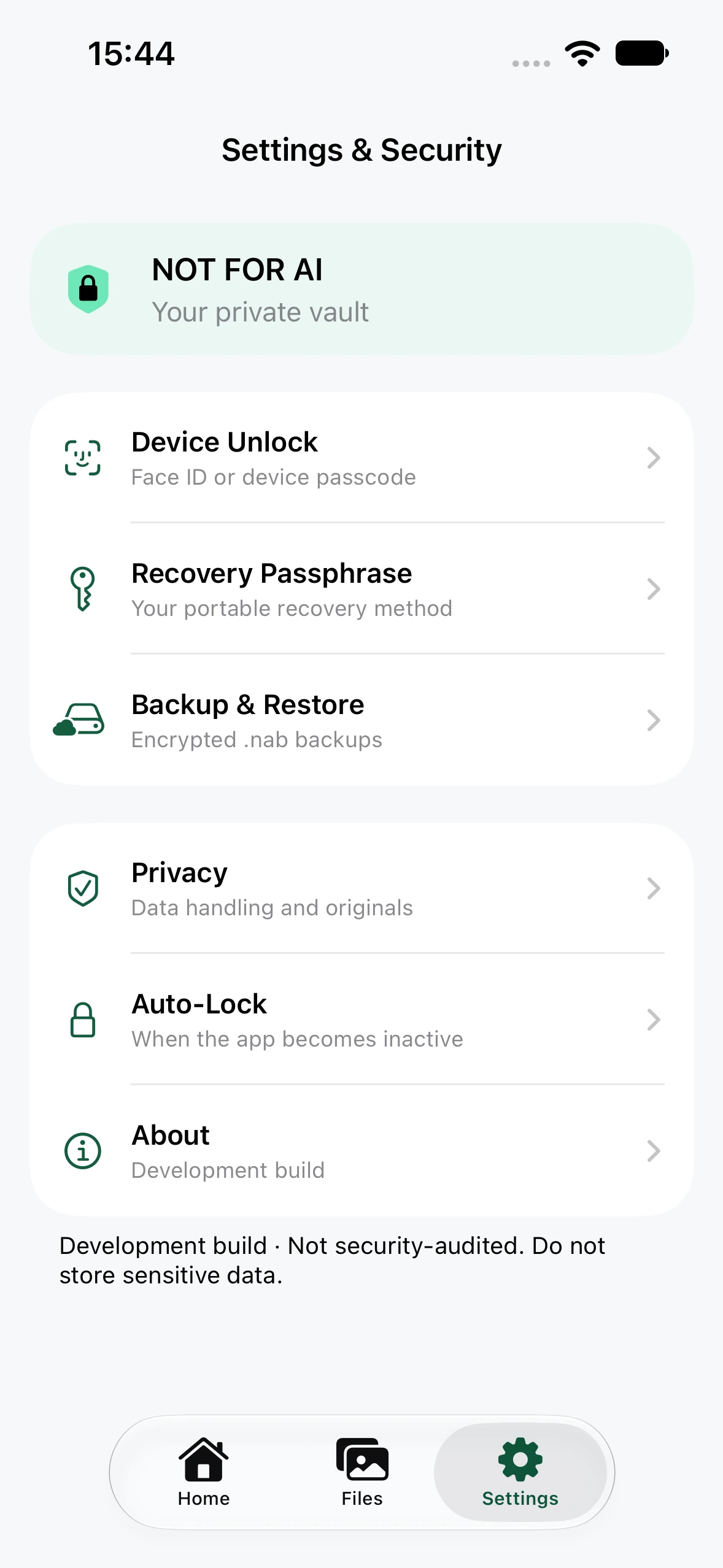
Beautiful in every light.
A calm, familiar space that follows your iPhone's Light and Dark appearance.
Light Mode. The same private space, in a different light.
Your life isn't
training data.
Keep a space for the things you choose to keep to yourself.
Coming soon to the App Store.
NOT FOR AI is currently in private TestFlight beta.
Public availability will be announced here.